Recent Posts
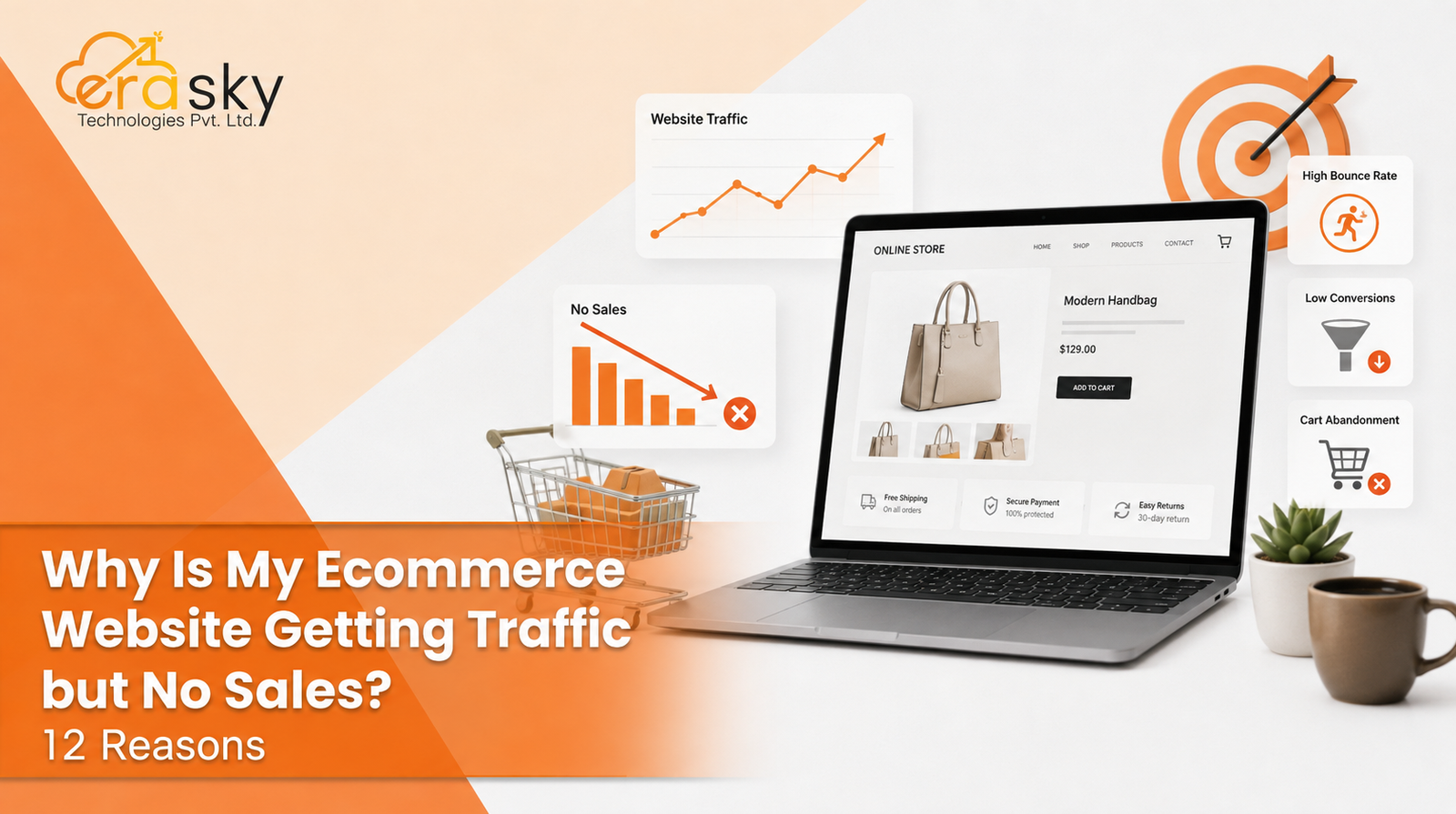
Getting traffic to an ecommerce website can feel like a win until the orders fail to follow. Your analytics show visitors arriving from Google, ads, social media, or referrals, yet sales remain flat. The frustrating part is that more traffic can make the problem harder to understand, not easier.
Traffic is not the same as buying intent. A store can attract plenty of visitors and still struggle to convert because the audience is mismatched, the product page is unconvincing, or the buying journey creates friction.
Here are 12 common reasons an ecommerce website gets traffic but no sales, followed by a practical way to diagnose the leak and improve ecommerce conversion rates.
1. You Are Attracting the Wrong Traffic
Not every visitor is a potential customer. Someone may arrive through an informational search, a broad social post, an irrelevant keyword, or an ad targeting an audience that is too wide.
Look at traffic by source, landing page, intent, device, geography, and behavior. If one channel brings volume but little product or cart activity, more traffic from that channel may not solve the problem.
The goal is qualified traffic: people with a real need, a relevant problem, and a reasonable chance of buying your product.
2. Your Traffic Does Not Match Search Intent
Search intent is a major conversion factor. A person searching “how to choose running shoes” is at a different stage from someone searching “buy running shoes size 10.”
If your SEO or advertising attracts users who are researching rather than buying, low sales may be expected. Match landing pages to intent. Educational queries should lead to useful educational content. Product-focused queries should lead to relevant product or category pages.
In other words, do not judge traffic quality by volume alone. Judge it by what visitors came to do.
3. Your Product Pages Are Not Answering the Buyer's Questions
A visitor can be interested in a product and still leave because the page does not give enough confidence to buy.
Strong product pages should make the basics obvious: what the product is, who it is for, what problem it solves, key specifications, price, availability, delivery, returns, and why it is worth buying.
High-quality images matter too. Depending on the product, buyers may need multiple views, size information, demonstrations, comparison points, or a short video.
The test is simple: could a first-time visitor make an informed purchase without hunting for basic information?
4. Your Website Does Not Build Enough Trust
Online shoppers cannot physically inspect your store or speak to a salesperson at the shelf. Your website has to reduce that uncertainty.
Trust can come from genuine reviews, ratings, clear contact information, transparent policies, secure payments, clear shipping details, and an identifiable business presence.
Trust signals work best when they answer a real concern the buyer has, not when they are added as decoration.
A visitor may trust your product but still hesitate to trust the store, the payment process, or the delivery promise.
5. The User Experience Is Creating Friction
People want to find the product, understand it, and buy it.
Confusing menus, weak search, poor filters, unexpected pop-ups, difficult navigation, tiny tap targets, broken buttons, and unclear calls to action can all create friction.
Review the journey from landing page to product page to cart to checkout. Ask where the user has to stop and think.
Good ecommerce conversion optimization is often less about adding persuasion and more about removing obstacles.
6. Your Site Is Too Slow
A slow website can damage the shopping experience before a customer has even evaluated the product.
Performance issues can come from oversized images, inefficient code, heavy scripts, poor hosting, or third-party integrations. Google's Core Web Vitals, including Largest Contentful Paint, Interaction to Next Paint, and Cumulative Layout Shift, help assess user experience, but they are not a substitute for business outcome data.
Check performance on real devices and connections, not just a fast office laptop. A page that feels acceptable on a high-speed desktop connection may be frustrating on a mobile network.
7. The Mobile Experience Is Not Good Enough
A responsive site is not automatically a good mobile shopping experience.
On a phone, customers need navigation that is easy to use, readable product information, visible calls to action, smooth image interaction, manageable forms, and a checkout that does not feel like paperwork.
Compare the funnel by device. If desktop visitors add products while mobile visitors leave earlier, mobile UX may be the issue.
8. Your Price or Value Proposition Feels Wrong
The issue is not always price. The customer may simply not understand why the product is worth it.
Compare your offer with alternatives on more than price. Look at quality, specifications, warranty, delivery, support, bundles, brand credibility, and other benefits buyers care about.
If the value is unclear, a discount may temporarily increase interest without fixing the underlying problem.
Make the reason to choose the product easy to see.
9. Shipping Costs or Delivery Terms Appear Too Late
Unexpected costs are a classic source of ecommerce abandonment. A visitor may like the product, add it to the cart, and then discover a shipping charge or delivery timeframe that changes the decision.
Be transparent about shipping costs, delivery estimates, return conditions, and any major taxes or duties that are relevant to the customer's location.
International ecommerce adds complexity through currency, taxes, customs, regional shipping availability, and local delivery expectations.
The earlier customers understand the total purchase commitment, the fewer unpleasant surprises they face at checkout.
10. Your Checkout Process Is Too Complicated
Checkout is where interest has to become action. Extra account creation, long forms, confusing errors, repeated information, limited payment methods, or unclear next steps can turn a high-intent shopper into an abandoned cart.
Keep the process focused. Offer guest checkout where appropriate, reduce unnecessary fields, show the order summary clearly, and make errors easy to fix.
Also test the checkout yourself across devices and payment methods. A funnel can look healthy in analytics while a real technical problem prevents customers from completing orders.
11. Your Payment Options Do Not Fit Your Audience
Payment expectations vary by market and customer type. Depending on where you sell, shoppers may expect cards, digital wallets, local payment methods, bank transfers, UPI, buy now pay later, or other options.
The right set depends on your market, product, risk profile, and payment provider.
You also need to monitor payment failures. If customers reach checkout but repeatedly fail at payment, the problem may be technical or operational rather than persuasive.
Payment should feel like the final step, not a new obstacle.
12. You Are Not Measuring Where Conversions Are Being Lost
Sometimes a business says, “We get traffic but no sales,” without knowing where the funnel actually breaks. Track the progression from landing page to product view, add to cart, checkout start, payment attempt, and purchase. Then segment the data by traffic source, device, country, product, and landing page.
Different problems require different fixes. If visitors never reach product pages, investigate traffic and navigation. If product views are high but add-to-cart activity is weak, inspect product pages, pricing, trust, and value. If carts are high but purchases are low, focus on shipping, checkout, payment, and technical issues.
Use analytics, event tracking, funnel reports, and, where appropriate, heatmaps or session recordings instead of guessing.
How to Diagnose Why Your Ecommerce Website Is Not Converting
Do not start by changing everything at once. Start by locating the biggest drop. First, compare traffic sources and identify which channels bring engaged visitors. Next, check landing-page relevance: does the page match what the visitor expected? Then inspect product-page behavior. Look at product views, add-to-cart rate, exits, and device differences.
Then test technical and operational issues. Check links, buttons, inventory status, shipping calculations, discount codes, payment gateways, and analytics tracking. This process turns “no sales” into a more useful question: “At which step are qualified visitors leaving, and why?”
How to Convert Traffic Into Sales
Increasing traffic is only one lever. In many cases, the faster opportunity is improving the traffic you already have.
Start with pages receiving meaningful, purchase-relevant traffic. Make their value proposition clear. Strengthen product information. Reduce navigation and checkout friction. Make shipping and returns understandable. Improve mobile usability. Fix performance issues. Then test changes against a measurable conversion goal.
A/B testing can help when you have enough traffic and a clear hypothesis. Test meaningful changes such as product-page structure, messaging, checkout steps, offers, or calls to action.
Separate conversion problems from demand problems. An optimized store cannot create demand for a product people do not need or want.
When Professional Ecommerce Optimization Makes Sense
If your store has a persistent gap between traffic and revenue, the problem may cross several disciplines: UX, development, analytics, SEO, paid advertising, product merchandising, checkout, and performance.
That is where an experienced ecommerce partner can be useful. EraSky Technologies, for example, approaches website work through analysis, planning, execution, optimization, and scaling, with services that include UI and UX planning, responsive development, API and CMS integration, technical SEO, performance optimization, and scalable architecture.
The useful question is not “Do I need a redesign?” It is “What evidence shows that the current experience is losing customers, and what is the highest-impact fix?”
The Bottom Line
When an ecommerce website gets traffic but no sales, the problem is rarely solved by simply chasing more visitors. The diagnosis can sit between traffic quality, search intent, product presentation, trust, UX, performance, pricing, shipping, checkout, payments, and measurement.
The path from traffic to revenue is:
Traffic → relevant intent → useful product experience → trust → add to cart → smooth checkout → successful payment → purchase.
A break anywhere in that chain can suppress sales. Fix the biggest leak first, measure the result, then move to the next constraint. That turns ecommerce conversion optimization into a process rather than random website tweaks.
EraSky Technologies can be a fit when the work requires ecommerce development, technical optimization, UX improvements, analytics, and ongoing execution rather than a cosmetic redesign.
Book a Free Consultation Today!
FAQs
1. Why is my ecommerce website getting traffic but no sales?
Usually because traffic is not sufficiently qualified, the product or offer is not convincing, the website lacks trust, or users encounter friction before purchase. Start by identifying where visitors drop out of the funnel.
2. What is a good ecommerce conversion rate?
There is no single conversion rate that is “good” for every store. It varies by industry, product price, traffic source, device mix, market, and business model. Compare your performance with your own historical data and relevant benchmarks rather than chasing one universal number.
3. How do I convert website traffic into sales?
Improve traffic quality and intent alignment, strengthen product pages, build trust, simplify navigation and checkout, make shipping and payments clear, improve mobile usability, and measure the funnel so you can prioritize the biggest source of lost conversions.
4. Why are people adding products to their cart but not buying?
Common causes include unexpected shipping costs, complicated checkout, payment problems, unclear returns, technical errors, price concerns, and distractions introduced late in the buying process.
5. Does website speed affect ecommerce sales?
Yes, performance can affect the user experience and whether people stay long enough to evaluate products. Speed should be assessed alongside conversion data, because fixing a technical metric alone does not guarantee more sales.
6. How can I increase ecommerce sales without increasing traffic?
Improve the percentage of existing visitors who become buyers. Focus on better-qualified traffic, stronger product pages, clearer value, trust, mobile UX, checkout, payment success, and systematic conversion testing.
7. When should I consider ecommerce conversion optimization services?
Consider professional help when the conversion problem is persistent, difficult to diagnose, or spread across design, development, analytics, SEO, advertising, and checkout. A focused audit can help identify the highest-impact changes before larger investments are made.