Recent Posts
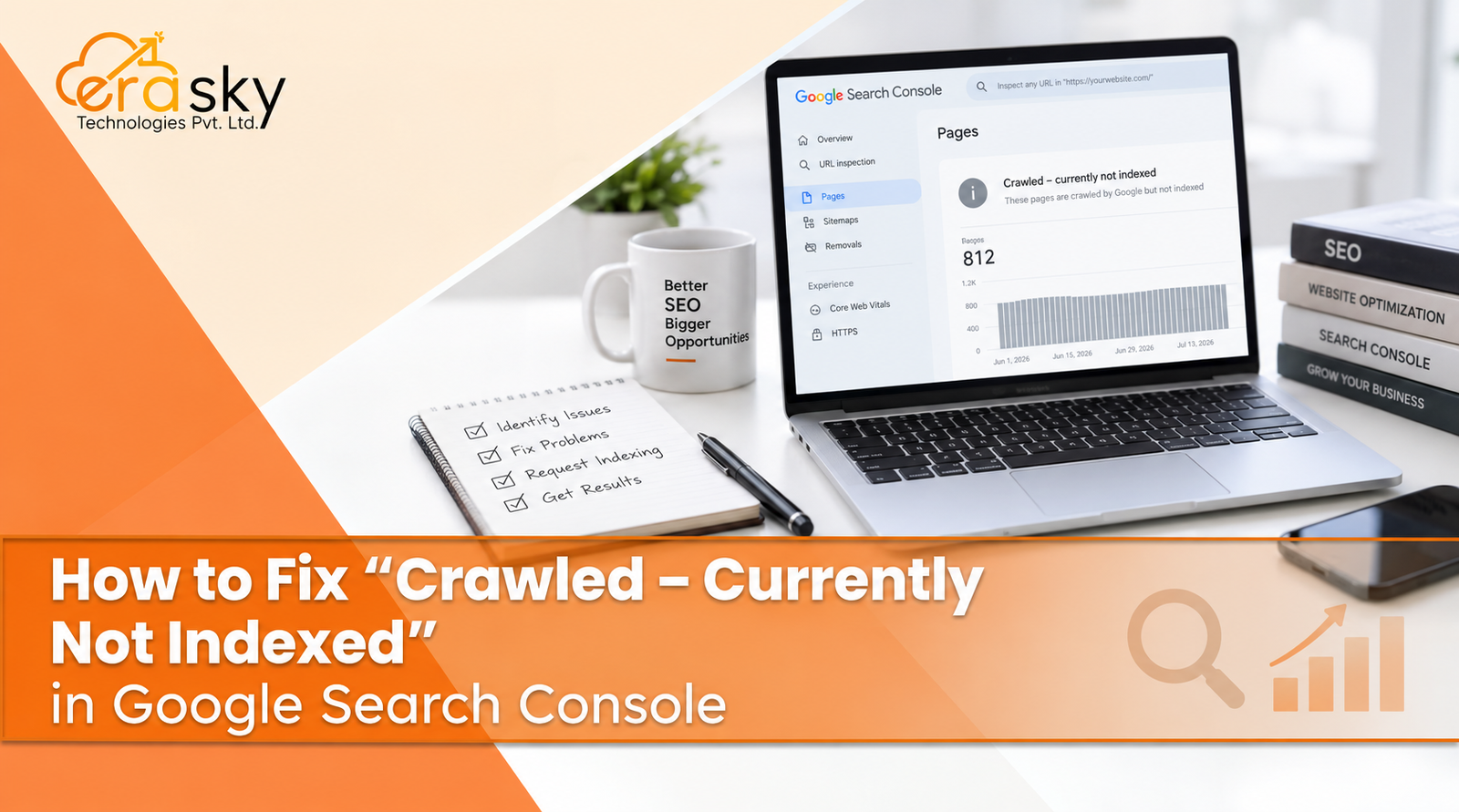
Seeing “Crawled – Currently Not Indexed” in Google Search Console can look like an error, but it is not necessarily one. It means Google has crawled the URL but has not included it in its search index at that time.
The key distinction is simple: crawling and indexing are different processes. Googlebot can access and process a page without deciding that the page should appear in search.
Common reasons include duplicate or near-duplicate content, weak search intent, low-value pages, canonical problems, soft 404 behavior, weak internal linking, or conflicting technical signals. Sometimes, there is simply nothing urgent to fix.
The right approach is diagnostic. Inspect the URL, confirm that it is technically indexable, check its canonical and HTTP status, improve the content when it genuinely lacks value, strengthen internal links, keep your XML sitemap clean, and request indexing after meaningful changes.
This guide shows you what the status means, how to find the cause, how to fix it, and when leaving a page unindexed is actually the right SEO decision.
What Does “Crawled – Currently Not Indexed” Mean?
Crawling is when Google discovers and fetches a URL. Indexing is when Google evaluates content and decides whether, and under which URL, that content should be stored for search.
So the Search Console status means:
Google has crawled the page, but has not chosen to include that URL in its index right now.
It does not automatically mean your website has a penalty, that Google cannot access the page, or that the URL can never be indexed.
It also does not mean you should repeatedly click Request Indexing.
Google explains the broader crawling and indexing process in its Search documentation.
Is It an Error?
Usually, no.
Some unindexed URLs are perfectly normal. A duplicate page, outdated URL, thin variation, filtered page, or low-priority utility URL may not deserve a separate place in Google's index.
Your first question should be:
Does this URL deserve to be indexed?
If yes, diagnose the page. If no, consolidation, removal, or deliberate exclusion may be the better solution.
Why Google Crawls a Page but Does Not Index It
1. The content is too thin or adds little value
A page can be accessible and still offer very little useful information.
Common examples include nearly empty product pages, boilerplate location pages, short keyword variations, and pages that repeat information already available elsewhere.
Do not solve this by adding filler. Add genuinely useful information: original details, clearer answers, examples, product or service specifics, expert insights, or information that helps visitors make a decision.
2. The page is a duplicate or near-duplicate
Google may see several URLs as substantially similar and choose one representative page.
Check the canonical URL and compare the affected page with similar URLs. A canonical tag is a strong signal, but it does not guarantee Google's final choice.
If several pages serve essentially the same purpose, consolidating them can be more useful than trying to index every variation.
3. The page does not satisfy its intended search intent
A page can be technically perfect and still be a weak search result.
For example, someone searching for a troubleshooting guide needs practical diagnosis and steps, not a generic promotional page. Review the query behind the page and ask whether the page directly serves that need.
4. Internal linking is weak
Important pages should be connected to the rest of your site.
An orphan page, with few or no meaningful internal links, can be harder for search engines to understand in context. Internal links also communicate relationships and relative importance.
Link important pages from relevant, established pages using natural, descriptive anchor text.
5. Technical signals conflict
Check for:
- noindex directives in HTML or HTTP headers
- unexpected canonical tags
- robots.txt blocks
- redirects
- incorrect HTTP status codes
- soft 404 behavior
A key distinction: robots.txt controls crawling, while noindex is an indexing directive for a page Google can access. Do not use robots.txt as a replacement for noindex.
Google provides separate guidance for robots.txt, controlling indexing, and canonicalization.
6. The page behaves like a soft 404
A soft 404 occurs when a URL appears to return a normal response but effectively tells users that useful content is unavailable.
Examples include empty product pages, generic “not found” content served with a successful status, or obsolete URLs with no meaningful replacement.
The fix depends on the URL. Restore useful content, redirect to a genuinely relevant replacement, or return the appropriate error response.
7. The page is new or has weak site-level signals
New URLs can take time to be processed and evaluated. Weak site architecture, poor internal prominence, and large volumes of newly published pages can also make indexing less predictable.
This is not a reason to assume that more indexing requests or random backlink building will solve the problem. Important pages need a coherent structure and useful content.
How to Fix “Crawled – Currently Not Indexed”
Step 1: Inspect the exact URL
Open URL Inspection in Google Search Console.
Review the indexing state, crawl information, declared canonical, and Google-selected canonical where available. Test the live URL when appropriate.
A page loading in your browser does not prove that every search-related signal is correct.
Google's URL Inspection documentation explains how to evaluate individual URLs.
Step 2: Decide whether the page deserves indexing
Ask:
- Does it solve a distinct user problem?
- Is it meaningfully different from similar pages?
- Is the information accurate and useful?
- Would you confidently send a visitor to it?
If the answer is no, do not force indexing. Consolidating or removing a weak URL may improve the overall site more than keeping it alive.
Step 3: Verify indexability
Check noindex, robots.txt, canonicals, redirects, and HTTP status codes.
Also review your CMS, plugins, templates, and recent development changes. An indexing problem affecting hundreds of URLs may be a template problem rather than hundreds of individual page problems.
For businesses where development and SEO overlap, this technical layer matters. EraSky Technologies combines website development with technical SEO, performance optimization, CMS setup, and scalable architecture, which can be relevant when indexing symptoms are connected to broader implementation issues.
Step 4: Improve the page, not just its word count
Strengthen the content around the actual user need.
Remove boilerplate. Clarify the main answer. Add original details, useful examples, accurate product or service information, and evidence where available.
For commercial pages, useful additions might include clear scope, process, limitations, FAQs, and decision-making information.
Step 5: Strengthen internal links
Add relevant links from strong pages on your site.
Think about site architecture rather than link volume. A useful page should have a logical place in the site's hierarchy and be connected to related content.
Step 6: Check the XML sitemap
Keep important canonical URLs in your XML sitemap.
A sitemap helps Google discover URLs and understand which URLs you consider important. It does not guarantee indexing.
Remove obsolete, duplicate, redirected, or intentionally excluded URLs from the sitemap. See Google's sitemap guidance for the technical requirements.
Step 7: Request indexing once
After making meaningful changes, use Request Indexing in URL Inspection.
Treat this as a request, not a guarantee. Repeating the request on an unchanged page does not fix content quality, canonicalization, or architecture problems.
Step 8: Look for patterns
If one page is affected, investigate that page.
If hundreds are affected, look for a shared cause: one CMS template, one content type, canonical rules, internal-linking changes, filtering, parameters, or a recent deployment.
Patterns are often more valuable than individual URL fixes.
Crawled vs. Discovered: What Is the Difference?
Discovered – Currently Not Indexed generally means Google knows about the URL but has not necessarily crawled it yet.
Crawled – Currently Not Indexed means Google has already crawled it but has not included it in the index at that time.
That difference changes your starting point. A discovered URL calls for closer attention to discovery and crawl signals. A crawled URL calls for closer evaluation of content, canonicalization, relevance, and other indexing signals.
Should You Keep Requesting Indexing?
No.
Request indexing after you have corrected a real issue or materially improved the page. It is not a shortcut for making weak, duplicate, or irrelevant content valuable.
Also remember: not every URL needs to be indexed. Some archive pages, duplicate variations, internal utility URLs, or filtered pages may be better handled through deliberate site architecture.
When Should You Get Professional SEO Help?
Professional help becomes useful when the problem is widespread, recurring, or tied to development and architecture.
Consider an SEO audit when important pages repeatedly remain unindexed, many URLs have unexpected canonicals, new pages fail to enter the index across a template, or technical and content problems appear together.
At that point, the question is bigger than “How do I get this URL indexed?” It becomes:
What is preventing Google from consistently recognizing the pages that matter to this business?
That is a broader technical SEO and website-quality problem.
How to Prevent Indexing Problems
Build indexability into publishing and development.
Give every important page a clear purpose and distinct search intent. Use sensible internal linking and canonicalization. Keep sitemaps clean. Watch for accidental noindex directives, crawl blocks, bad redirects, and incorrect status codes.
Most importantly, do not judge SEO health by indexed-page count alone. A smaller site with useful, differentiated pages can be healthier than a large site filled with thin or duplicate URLs.
When “Crawled – Currently Not Indexed” Is Not a Problem
This is the nuance many quick SEO guides miss.
You do not need every URL indexed.
If a page is duplicate, obsolete, intentionally excluded, or genuinely low-value, forcing it into Google's index is usually the wrong objective.
The goal is not maximum indexing.
The goal is indexing the pages that deserve to appear in search.
Frequently Asked Questions
Is “Crawled – Currently Not Indexed” bad for SEO?
Not by itself. It becomes important when valuable pages are consistently excluded. The affected page and the pattern across your site matter more than the status alone.
How long does Google take to index a crawled page?
There is no universal deadline. Indexing time can vary by site, page, content, and Google's processing decisions. Avoid promises of a fixed number of hours or days.
Can I force Google to index a page?
No guaranteed method exists. You can improve technical accessibility, content usefulness, internal linking, canonical signals, and sitemap hygiene, then request indexing. Google ultimately decides whether and when to index the page.
Does requesting indexing fix the problem?
Not necessarily. It does not correct duplicate content, weak content, canonical conflicts, technical errors, or poor site architecture. Fix the underlying issue first.
Is an XML sitemap enough to get a page indexed?
No. A sitemap helps Google discover URLs and understand which URLs you consider important, but it does not guarantee inclusion in the index.
Should I delete a page that is crawled but not indexed?
Not automatically. First decide whether the page serves a useful, distinct purpose. Valuable pages should be improved; redundant or obsolete pages may be better consolidated, redirected, or removed.
What if hundreds of pages are crawled but not indexed?
Look for a shared cause. Check templates, canonical rules, internal links, content quality, CMS settings, and recent site changes before editing pages individually.
A Better Way to Think About the Status
“Crawled – Currently Not Indexed” is less a button-click problem and more a content, relevance, and technical-signal problem.
Start with URL Inspection. Confirm the page deserves to be indexed. Check indexability, canonicalization, status codes, internal links, sitemap inclusion, and content quality. Make meaningful changes, request indexing once, and monitor the result.
For businesses that need deeper help, Era Sky Technologies provides SEO and website development services that can address technical SEO, site structure, content, and performance together.
The goal is not to get every URL indexed. It is to build a website where the pages that matter are useful, technically sound, clearly connected, and strong enough to deserve search visibility.